Pixel Storm VALORANT Crosshair Code
Troll · Chaos · 2,600 likes
Crosshair breakdown
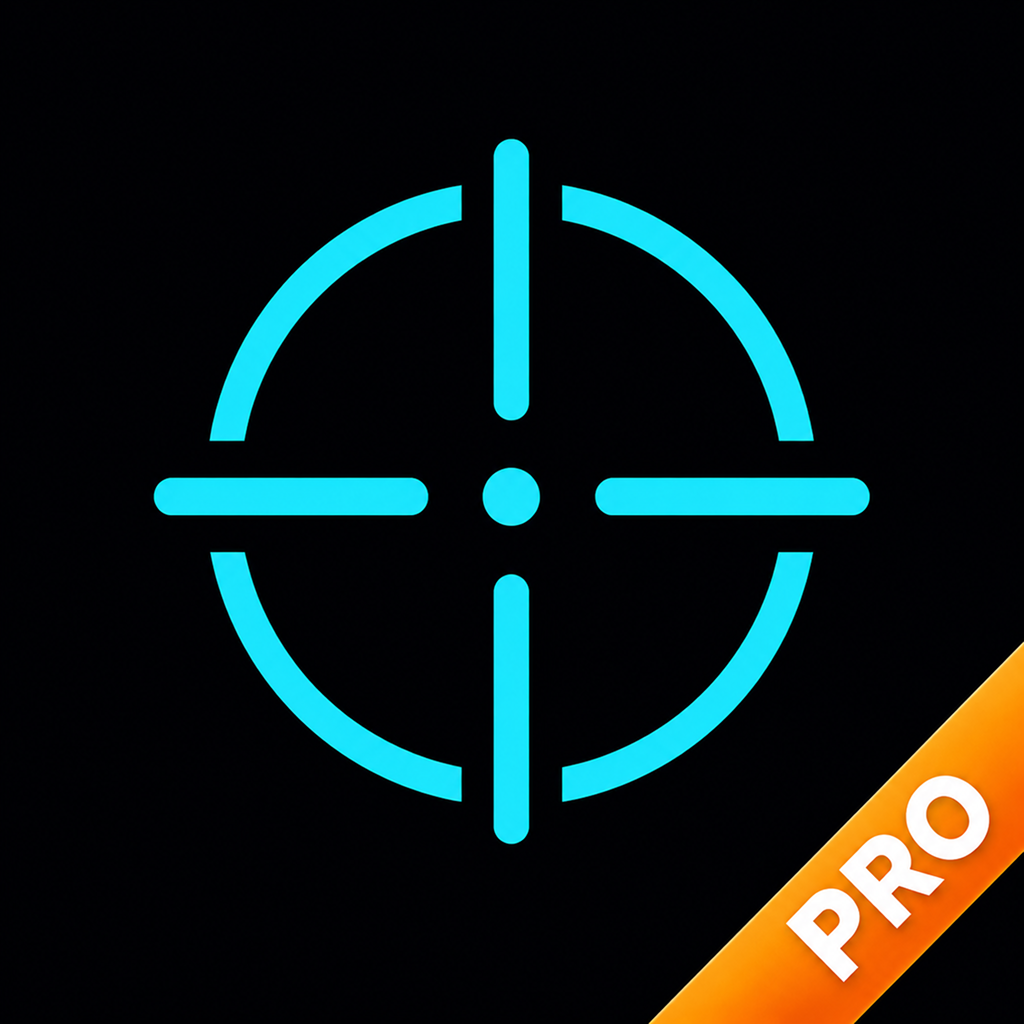
Pixel Storm uses a cyan two-layer cross in VALORANT.
It has no outlines — a cleaner look, but it can fade on bright backgrounds.
The gap is wide (18), leaving plenty of room to see the enemy’s head.
The lines spread when firing, giving instant feedback on accuracy.
The outer lines add a second reference, useful for judging spray and movement.
Bright cyan stands out against almost every map.
Pixel Storm VALORANT crosshair settings
| Color | Cyan · #00FFFF |
|---|---|
| Outlines | Off |
| Center dot | Off |
| Inner lines | On · opacity 1 · length 2 · thickness 1 · offset 18 · movement error On · firing error On |
| Outer lines | On · opacity 0.6 · length 4 · thickness 1 · offset 20 · movement error On · firing error On |
Pixel Storm Valorant Mobile crosshair code
Valorant Mobile (无畏契约手游) has no movement/firing error or advanced options, so we removed them — this version imports on mobile and looks the same at rest.
How do I use Pixel Storm’s crosshair?
In VALORANT: Settings → Crosshair → Import Profile Code, then paste.
Also works in Valorant Mobile (无畏契约手游). In Valorant Mobile (无畏契约手游): Settings → Crosshair (准星设置) → Import (导入配置), then paste the code.